AI tools for education are revolutionizing classrooms worldwide. This comparison helps educators choose between ChatGPT, Claude, and Gemini based on their unique strengths. These AI chatbots have become powerful tools that can transform how students learn and teachers teach. With options like ChatGPT, Claude, and Gemini available, many educators wonder which platform offers the most value for educational purposes.
Each AI assistant brings unique strengths to the classroom, from helping with lesson planning to providing students with personalized feedback.

While all three platforms have merit, Claude currently stands out for educational applications due to its more nuanced understanding of context, stronger coding support, and writing style that many educators find more natural and appropriate for academic settings. ChatGPT remains highly versatile with extensive educational resources, while Gemini impresses with its concise responses and improving capabilities that nearly match its competitors.
You might find that the best choice depends on your specific educational needs. For writing-intensive subjects and nuanced explanations, Claude often produces more thoughtful responses. For STEM subjects requiring coding examples, both Claude and ChatGPT offer strong support. Gemini excels at providing brief, straightforward answers that students can easily digest without overwhelming detail.
Key Takeaways
- Claude typically provides more nuanced, context-aware responses that better suit academic writing and complex educational topics.
- ChatGPT offers the most comprehensive educational resources and integration options for classroom implementation.
- Your ideal AI tool depends on specific educational needs, with each platform excelling in different aspects of teaching and learning support.
Overview of AI in Education

AI tools have transformed how students learn and educators teach. These technologies offer personalized learning experiences while helping teachers manage administrative tasks more efficiently.
The Role of Artificial Intelligence
Artificial intelligence in education serves as both assistant and guide. AI can analyze student performance patterns to identify strengths and weaknesses, helping you tailor your teaching approach to individual needs.
These systems can grade assignments automatically, freeing up your time for more meaningful interactions with students. This efficiency allows you to focus on complex teaching challenges rather than routine tasks.
AI provides 24/7 availability for students who need help outside classroom hours. When you’re unavailable, students can still receive immediate feedback and guidance.
Personalized learning paths created through AI algorithms help students progress at their own pace. This customization addresses different learning styles and knowledge gaps that might be missed in traditional teaching models.
ChatGPT, Claude 3, and Gemini Compared
ChatGPT excels at creative writing assistance and explaining complex concepts in simple language. You’ll find it particularly helpful for developing clear explanations and generating discussion prompts for your classes.
Claude 3 offers more nuanced responses and tends to provide more detailed, factually accurate information. Its stronger reasoning capabilities make it valuable when you need to help students understand multi-step problems.
Gemini integrates well with other Google tools and demonstrates strong multimodal capabilities. You can use it to analyze images and create visual learning materials that enhance student understanding.
Each tool has different knowledge cutoff dates, affecting their awareness of recent educational developments. Consider which platform best aligns with your specific teaching objectives and the subjects you teach.
ChatGPT for Educational Purposes
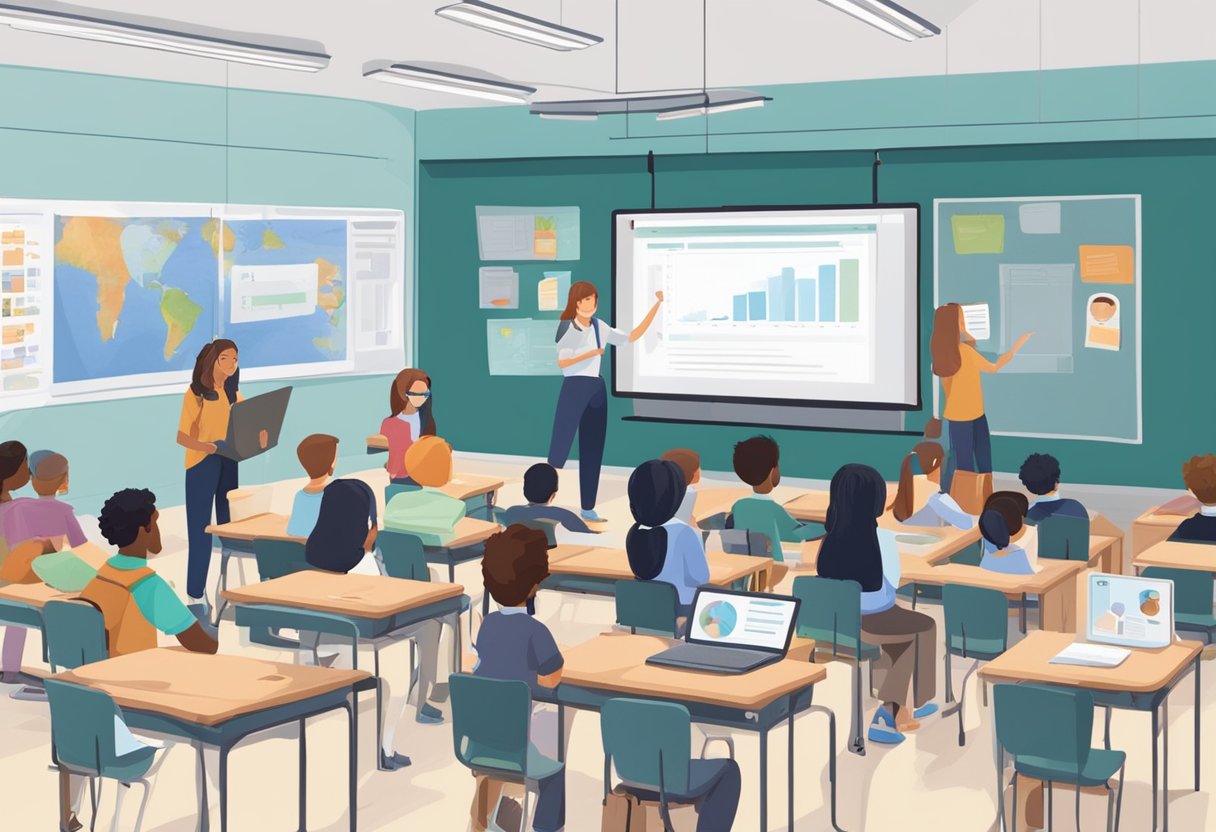
ChatGPT offers several powerful features that make it a valuable tool in educational settings. It adapts to different learning styles while providing consistent support for various academic tasks.
Adaptive Learning and Personalization
ChatGPT can tailor explanations based on your specific learning needs. If you don’t understand a concept, you can ask for simpler explanations or request more advanced details.
The AI remembers your conversation history, allowing it to build on previous explanations and create a personalized learning path. This feature is especially helpful when learning complex subjects like mathematics or science.
You can use ChatGPT to generate practice problems at your current skill level. For example:
- Basic: Simple arithmetic problems
- Intermediate: Word problems with multiple steps
- Advanced: Complex application scenarios
Teachers can also use ChatGPT to create customized learning materials that address the diverse needs of their classrooms.
Language Learning through Conversation
ChatGPT serves as a patient conversation partner for practicing new languages. You can engage in dialogues about everyday topics to build vocabulary and confidence.
The AI can explain grammar rules and correct your mistakes in a supportive way. It offers explanations about why certain phrases or structures work the way they do.
You can request translations between languages and ask for cultural context to better understand idioms and expressions. For example:
English: "It's raining cats and dogs"
Spanish: "Está lloviendo a cántaros" (literally: It's raining pitchers)
ChatGPT can also generate role-playing scenarios that simulate real-world conversations like ordering food or asking for directions.
Support for Research and Writing
When working on essays or research papers, ChatGPT can help brainstorm topics and outline key points. It suggests different angles to approach your subject.
You can use the AI to summarize complex texts or explain difficult concepts in simpler terms. This helps you grasp essential information quickly.
ChatGPT assists with citation formatting for different academic styles (MLA, APA, Chicago). It can also review your writing for clarity and suggest improvements.
The AI provides feedback on your arguments, helping you identify logical gaps or areas that need more evidence. This strengthens your critical thinking skills.
Remember to verify important facts from ChatGPT with reliable sources, as the AI can occasionally provide outdated or incorrect information.
Claude 3 in the Classroom

Claude 3 brings powerful AI capabilities to education settings with its advanced understanding of complex topics and ability to generate thoughtful responses. Its latest features can transform how students learn and how teachers prepare materials.
Claude 3 Opus’ Impact on Learning
Claude 3 Opus, the most advanced version in the Claude 3 family, offers exceptional capabilities for classroom use. This model can help you create personalized learning materials that adapt to different learning styles. Students can use it to get detailed explanations of difficult concepts without waiting for teacher availability.
With Claude 3 Opus, you can generate practice problems at various difficulty levels. This helps students progress at their own pace. The AI can also simulate discussions about complex topics, helping develop critical thinking skills.
Teachers find Claude 3 Opus useful for creating lesson plans and assessments quickly. It can generate creative project ideas that align with curriculum goals. The AI’s nuanced understanding of subjects makes it particularly valuable for humanities and science classes alike.
Understanding Claude 3’s Generative Capabilities
Claude 3’s generative abilities extend beyond simple text responses. You can use it to create educational content in multiple formats. The AI can draft:
- Visual explanations of complex concepts
- Step-by-step guides for problem-solving
- Discussion prompts that encourage deeper thinking
- Formative assessments to check understanding
Claude 3 excels at providing age-appropriate explanations. You can specify the grade level when asking questions, ensuring content matches student abilities. This is particularly helpful when working with diverse classrooms.
The AI maintains accuracy in subject matter knowledge across disciplines. You can trust it for most factual information, though critical evaluation remains important. Claude 3’s ability to contextualize information helps students connect new concepts to existing knowledge, supporting more effective learning.
Evaluating Gemini’s Effectiveness for Education

Google’s Gemini offers several unique approaches to AI-powered learning compared to other models. Its integration with Google’s suite of products provides distinct advantages while also facing some limitations in educational settings.
Gemini’s Approach to AI-Powered Education
Gemini specializes in complex reasoning tasks and multimodal capabilities, making it particularly valuable for educational contexts. You can use it to analyze images, charts, and other visual content alongside text.
Unlike some competitors, Gemini integrates directly with Google’s vast knowledge base and search capabilities. This means your students get answers with more current information and access to a wider range of sources.
The model excels in subjects requiring mathematical reasoning and scientific analysis. When you need to explain complex STEM concepts, Gemini often provides clearer explanations with relevant examples.
Gemini also offers customization features that let you tailor responses to specific educational levels, from elementary to advanced studies. This adaptability helps you create age-appropriate learning materials.
Strengths and Limitations of Gemini in Teaching
Gemini’s key strength is its multimodal processing ability. You can upload images of homework problems, handwritten notes, or diagrams and receive detailed feedback and explanations.
The model demonstrates strong performance in providing factual information across diverse subjects. When teaching history, science, or literature, you’ll find Gemini typically delivers accurate content with proper citations.
However, Gemini sometimes struggles with overly complex or nuanced instructions. You may need to simplify your prompts to get the best results for educational content.
Its response formatting isn’t always consistent, which can be challenging when creating structured lesson plans or educational materials that require specific layouts.
The tool also requires careful prompt engineering to generate age-appropriate content. You’ll need to explicitly specify the grade level to ensure materials match your students’ comprehension abilities.
Comparative Analysis of AI Tools
Each AI tool offers unique strengths for educational settings. Understanding these differences helps you choose the right tool for your specific teaching or learning needs.
Feature Comparison of ChatGPT, Claude 3, and Gemini
ChatGPT excels at creative writing assignments and conversational responses. It provides strong coding assistance and handles math problems effectively. You’ll find its user interface intuitive, though it occasionally struggles with complex reasoning tasks.
Claude 3 stands out for its ethical reasoning and human-like responses. It creates natural-sounding content that flows well in educational materials. Claude performs exceptionally well when explaining complex topics in simpler terms, making it valuable for creating student-friendly explanations.
Gemini (from Google) offers superior multimodal capabilities, processing both text and images effectively. This makes it excellent for visual subjects like art, science, and geography. You can use Gemini for real-time data analysis, which benefits research projects and data-heavy subjects.
All three tools support multiple languages, though their proficiency varies across different tongues.
Case Studies and Practical Applications
In a high school English class, teachers used ChatGPT to generate writing prompts and provide feedback on student essays. Students improved their writing skills by analyzing AI suggestions against their original work.
A university biology department implemented Claude 3 to create explanations of complex cellular processes. Students reported better understanding due to Claude’s clear, ethically-balanced explanations of scientific concepts.
Elementary teachers utilized Gemini to enhance science lessons by analyzing student-submitted photos of experiments. The visual processing capabilities helped young learners connect visual observations with scientific principles.
You’ll find the best results by matching the tool to your specific educational task:
-
- ChatGPT: Creative writing, coding instruction
- Claude: Ethics discussions, nuanced explanations
- Gemini: Visual learning, data analysis projects
Future Trends and Predictions
AI tools for education are rapidly evolving with several important developments on the horizon. The educational technology landscape will see significant changes as these models become more specialized and integrated into learning environments.
Innovations in AI Models for Education
AI models like ChatGPT, Claude, and Gemini are becoming more specialized for educational purposes. Soon, AI tutors that can adapt to individual learning styles and pace will be available. These personalized learning assistants will identify knowledge gaps and create custom learning paths.
Future models will likely include:
-
-
- Multimodal capabilities that process text, images, and video simultaneously
- Domain-specific knowledge with deeper expertise in subjects like math, science, and languages
- Emotion recognition to respond to student frustration or confusion
-
These advancements will make AI tools more effective for complex subject matter. Research shows that adaptive learning systems can improve student outcomes by 30% compared to traditional methods. Schools and universities are already developing frameworks to integrate these technologies responsibly.
The Evolving Landscape of Chatbots in Learning
Chatbots in education are moving beyond simple Q&A functionality. You’ll interact with more sophisticated tools that serve as collaborative learning partners rather than just information sources.
Key developments include:
-
-
- Project-based learning assistants that guide students through complex assignments
- Cross-platform integration allowing seamless use across devices and learning systems
- Improved context awareness so conversations can span days or weeks
-
Chatbots will also become more transparent about their limitations and sources. This helps you develop critical thinking skills while using these tools. Many educators are now focusing on teaching “AI literacy” alongside traditional subjects.
The line between teacher and technology will blur as these systems become more capable. By 2026-2027, most students will likely use some form of AI assistance in their daily learning activities.
Frequently Asked Questions
These questions address the key differences, strengths, and applications of ChatGPT, Claude, and Gemini in education settings. Each AI tool offers unique advantages for teachers and students across various learning activities.
What are the main differences between ChatGPT, Claude, and Gemini when utilized in educational environments?
ChatGPT excels at generating creative content and explaining complex topics in simple terms. It also offers strong coding support and integration with OpenAI’s ecosystem.
Claude stands out for nuanced understanding of instructions and context. It provides more detailed explanations and demonstrates stronger reasoning abilities on complex educational topics.
Meanwhile, Gemini leverages Google’s knowledge base and offers multimodal capabilities, allowing students to interact with images, diagrams, and text simultaneously. This makes it especially useful for visual subjects.
Each tool has different content policies that affect how they respond to academic questions. Claude tends to be more careful with potentially sensitive educational topics.
How do ChatGPT, Claude, and Gemini compare in terms of accuracy and usability in educational settings?
Claude generally provides more accurate and well-reasoned responses for complex educational concepts. Its responses tend to be more thorough and nuanced.
ChatGPT offers excellent usability with a simple interface that students of all ages can navigate. Its responses are typically concise but may occasionally contain factual errors.
Meanwhile, Gemini’s accuracy is comparable to ChatGPT but with stronger performance on real-world knowledge and current information thanks to Google’s data. Its multimodal interface may have a steeper learning curve.
All three tools occasionally make mistakes or “hallucinate” information, requiring students to verify important facts from multiple sources.
Which AI tool among ChatGPT, Claude, and Gemini offers the best support for teaching and learning?
The best tool depends on your specific educational needs. ChatGPT works well for general explanations, creative writing assistance, and basic programming help.
Claude excels when detailed explanations and nuanced understanding of complex topics are required. It’s particularly strong for higher education settings and research assistance.
Finally, Gemini offers superior support for visual learning, making it ideal for subjects like biology, geography, and art where image recognition and analysis are valuable.
For younger students, ChatGPT’s simpler interface may be preferable, while older students might benefit from Claude’s depth or Gemini’s multimodal capabilities.
What are the distinguishing features of Claude, ChatGPT, and Gemini for students and educators?
Claude offers longer context windows, allowing students to upload entire articles or chapters for analysis. Its detailed explanations make it excellent for deep learning.
Meanwhile, ChatGPT features plugins and a growing ecosystem of educational tools. Its coding capabilities are particularly useful for computer science education.
Finally, Gemini’s standout feature is its ability to analyze and explain images, graphs, and diagrams. With Gemini, you can upload a math problem or science diagram and receive step-by-step explanations.
All three tools offer conversation memory, but they differ in how long they maintain context, with Claude typically maintaining the most consistent understanding throughout longer interactions.
How do the collaboration capabilities for classroom settings differ between ChatGPT, Claude, and Gemini?
ChatGPT offers team plans that allow teachers to create shared workspaces. Students can collaborate on projects with shared chat histories and custom GPTs.
Meanwhile, Claude has fewer built-in collaboration features but integrates well with educational platforms like Canvas and Microsoft Teams through Anthropic’s API.
Finally, Gemini integrates seamlessly with Google Workspace, making it convenient for schools already using Google Classroom, Docs, and other Google tools.
None of these tools currently offer real-time collaboration where multiple users can interact with the AI simultaneously, which limits some classroom applications.
Which educational AI tool provides the most comprehensive range of functionalities for educational content creation?
ChatGPT offers the most developed ecosystem for content creation. It has options to generate lesson plans, quizzes, presentations, and interactive activities.
Claude produces more nuanced and carefully structured educational content. Its outputs typically require less editing and fact-checking.
Gemini excels at creating visual content and explanations. It incorporates diagrams, charts, and images, making it valuable for developing visual learning materials.
For creating accessible content, Claude tends to provide the most consistent results. It generates materials that follow universal design principles.