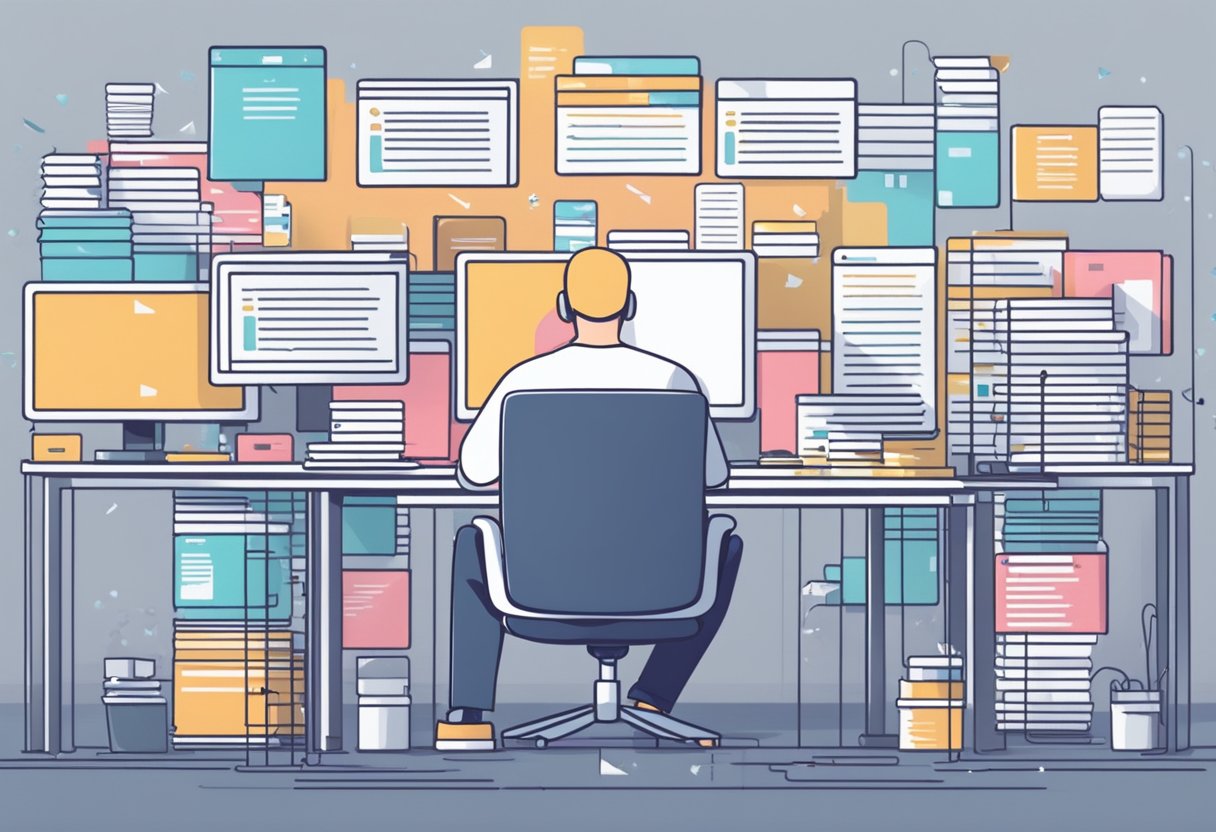
Ever feel like you’re drowning in a sea of unread emails? You’re not alone. The average professional spends nearly a third of their workday just managing their inbox. But what if I told you there’s a lifeboat in the form of AI email assistants that could help you reclaim 5 precious hours each week?
Let’s dive into how these AI-powered tools can transform your relationship with email from “it’s complicated” to “happily managed.”
Understanding AI in Email Management: Your Digital Email Assistant
Think of AI email management as having a personal assistant who never sleeps, doesn’t require coffee breaks, and has an uncanny ability to know which emails actually matter. These tools use machine learning algorithms to analyze your email patterns and automate the mundane tasks that eat away at your productivity.
What Can AI Email Assistants Actually Do?
Modern AI tools can:
- Sort emails by priority (goodbye, endless scrolling!)
- Draft responses to common inquiries (in your voice, not robot-speak)
- Schedule meetings by analyzing email content (no more calendar ping-pong)
- Detect phishing attempts (keeping your data safe while you focus on what matters)
- Summarize long email threads (because who has time to read 47 replies about the office microwave situation?)
The best part? You don’t need to be tech-savvy to use these tools. Most are designed with simplicity in mind, so you can start streamlining your inbox management right away.
Setting Up Your AI Email Assistant: Getting Started Is Easier Than You Think
Choosing the Right AI Tool for Email Management
With so many options available, finding the right AI email assistant might seem overwhelming. Here’s how to narrow it down:
- Identify your email pain points: Are you struggling with too many incoming emails? Need help writing responses? Want better organization? Different tools excel at different aspects of email automation.
- Consider integration capabilities: Ensure the tool works with your email client (Gmail, Outlook, etc.). Nothing worse than falling in love with a tool that won’t play nice with your existing setup!
- Evaluate the learning curve: Some tools require more setup time than others. If you’re not particularly tech-savvy, look for solutions with intuitive interfaces and minimal configuration.
- Check the price point: Options range from free built-in features to premium services. Many offer a 14-day free trial so you can test drive before committing.
Popular options include Gmail’s built-in AI features, specialized tools like SaneBox for sorting, and customizable solutions like those built with ChatGPT for more personalized email assistance.
Integrating AI with Your Email System
Getting your AI email assistant up and running is usually straightforward:
- Create an account with your chosen AI email tool
- Grant permission to access your inbox (don’t worry, reputable tools use secure OAuth connections)
- Configure which folders or labels the AI can access
- Set up rules for when the AI should activate
Pro tip: If you’re using a work email account, check that your IT department allows such integrations. Nothing kills productivity quite like an angry email from IT security!
Training Your AI Assistant for Optimal Performance
Just like a new colleague, your AI assistant needs some guidance to truly shine:
- Provide examples of how you typically respond to different email types
- Create templates for recurring messages like meeting confirmations
- Review and refine the AI’s responses regularly at first
- Set clear boundaries for what the AI should handle independently versus what needs your review
Remember, the more you interact with your AI email assistant, the better it gets at predicting your needs and streamlining your email management.
Mastering Automated Email Workflows: Work Smarter, Not Harder
Creating Smart Email Filters and Rules
Smart email filters act as your first line of defense against inbox overload. They’re like bouncers at an exclusive club, only letting the VIP messages through to your main inbox.
Set up filters for:
- Priority contacts (clients, team members)
- Newsletters and subscriptions (that you’ll totally read someday…)
- Promotional emails (goodbye, tempting sales notifications!)
- Automated notifications (that rarely need immediate attention)
With tools like SaneBox, emails from unknown senders can be automatically sorted into a separate folder, keeping your main inbox focused on what truly matters. This simple organization can save you 20-30 minutes of sorting time each day—that’s enough time to actually enjoy your lunch break!
Automating Repetitive Email Tasks with AI
Let’s be honest: responding to the fifth “just checking in” email of the day isn’t exactly the highlight of your creative career. AI tools can handle these routine tasks while you focus on more important work.
Tasks you can automate include:
- Responses to frequently asked questions
- Follow-up reminders for unanswered emails
- Unsubscribe management (finally escape newsletter purgatory!)
Tools like Zapier can connect your email to other apps, creating powerful workflows. Imagine attachments automatically saving to Google Drive or new tasks being created in your project management tool when emails contain specific keywords. That’s not just email management—that’s email magic.
Scheduling and Prioritizing with AI
Email doesn’t have to be a constant interruption. AI tools can help you determine which messages need immediate attention and which can wait until your designated email time.
Implementation strategies include:
- Schedule fixed email checking times (maybe 10 AM, 2 PM, and 5 PM)
- Use AI to identify truly urgent messages requiring immediate responses
- Batch similar emails together for efficient processing
Some AI assistants can even suggest optimal response times based on recipient time zones and past engagement data. No more accidentally sending important client emails at 3 AM their time!
Best Practices for Email Management: Maintain Your Sanity
Maintaining Email Hygiene with AI Assistance
Even with the best AI tools, some human oversight creates the optimal system. Here’s how to keep your inbox clean and manageable:
- Set up smart filters that automatically categorize incoming emails by priority
- Use AI-powered features to unsubscribe from newsletters you never read (we all have them)
- Train AI assistants to recognize routine emails and suggest appropriate templates
- Schedule dedicated email processing time rather than checking messages constantly
The goal isn’t just a clean inbox—it’s having more mental space for creative and strategic work. When your AI email assistant handles the routine stuff, you’re free to focus on what actually requires your unique human skills.
Regular Audit and Update of Email Management Tools
The digital landscape evolves quickly, and so should your email management strategy:
- Review your system every 3 months to ensure it still meets your needs
- Test new AI features as they become available (email platforms frequently update their capabilities)
- Look for integration possibilities between your email and other productivity tools
- Track time spent on email before and after implementing new tools
- Be willing to switch solutions if you find something that better matches your workflow
Remember, the goal is to make technology work for you, not the other way around.
Frequently Asked Questions: Your Burning Questions Answered
What are the best AI tools for email categorization and prioritization?
Several standout options include:
- SaneBox: Excels at filtering and prioritizing emails automatically
- Spike AI: Groups emails into conversation threads and removes clutter
- Gmail’s Categories feature: Separates emails into Primary, Social, and Promotions tabs
- Superhuman: Provides a priority inbox that highlights your most important messages
How can artificial intelligence be implemented to filter and sort emails more efficiently?
- Set up custom filters based on sender, subject line, or content
- Train your AI by manually moving emails to correct folders initially
- Use keyword detection features to identify important terms and sort accordingly
- Leverage AI to identify patterns in your email usage and suggest optimizations
Is it possible to automate email responses with AI, and how effective is it?
Yes, with tools like Gmail’s Smart Reply and Smart Compose or ChatGPT plugins, you can automate many responses with impressive accuracy. The effectiveness depends on your email type—routine questions are perfect for automation, while sensitive matters still need your personal touch.
What are the top strategies for managing email overload using AI technology?
- Schedule batch processing times rather than checking constantly
- Use AI summary features to condense long email threads
- Set up smart unsubscribe processes for newsletters you rarely open
- Implement AI-powered templates for common response types
How does AI-powered email management compare to traditional methods?
AI systems adapt to your behavior over time, unlike static folders that require manual maintenance. They work continuously in the background, even when you forget to sort messages, and can identify patterns you might miss. While the initial learning curve might be steeper, AI tools typically save more time long-term compared to manual organization.
Which AI email management tools integrate well with popular platforms like Gmail and Outlook?
- SaneBox: Works with most email providers through IMAP
- Front AI: Integrates seamlessly with Gmail and Outlook
- Microsoft Copilot: Built directly into Outlook with native AI capabilities
- Boomerang: Offers excellent Gmail and Outlook integration with scheduling features
Conclusion: Take the Plunge into AI Email Management
Implementing AI for email management isn’t just about saving time—though reclaiming 5 hours weekly is certainly nothing to sneeze at. It’s about reducing the mental load that comes with an overflowing inbox and redirecting that energy toward work that actually matters.
Start small by identifying one email pain point and finding an AI tool to address it. As you grow comfortable, expand your automation strategy. Before you know it, you’ll be wondering how you ever managed without your AI email assistant.
Remember, the goal isn’t to completely remove yourself from email communication—it’s to ensure you’re spending time on messages that truly need your human touch while letting AI handle the rest.
Your future self (the one with the tidy inbox and the extra 5 hours each week) will thank you.