• About
  • Privacy & Policy
Cleverall AI, Provides tutorials and resources for educators to harness AI in teaching and learning.
  • Home
  • Tutorials
    Man in a suit relaxes at his desk, smiling at a computer screen displaying a virtual assistant and email icons.

    How to Use AI for Email Management: Reclaim 5 Hours of Your Week with Smart Automation

    Diagram illustrating a 6-step guide for educators using ChatGPT for student assessment: setting objectives, choosing questions, analyzing results, providing feedback, adjusting instruction, and ethical practice.

    ChatGPT for Student Assessment: A Step-by-Step Guide for Educators

    A woman in business attire observes a humanoid robot sorting through a stack of papers in an office setting.

    How Can AI Be Used for Grading Student Papers: A Comprehensive Guide to Automated Assessment

    A robotic arm places books on a conveyor belt in a modern, well-lit room.

    How to Automate Classroom Tasks with AI Tools: A Practical Guide for Teachers

    Person typing on a laptop at a black table with a cup of coffee, a notebook, and a pen, in front of bookshelves.

    Using Grammarly to Improve Student Writing: Enhancing Academic Performance

    Vintage Schaub-Lorenz radio with a red and silver design, featuring buttons and a transparent cover, set in a worn room with peeling paint.

    How to Use AI in Music Education: Exploring Suno, ChatGPT for Lyrics, and More

  • Integration
    A group of people sitting around a table, engaging in a meeting. Laptops and documents are on the table, and a screen displays information in the background.

    The Future of Curriculum Planning: AI-Assisted Content Creation – Transforming Education Through Smart Technology

    An illustration of a brain with "AI" in the center, surrounded by icons of gears, a light bulb, and a microchip, with circuit lines in the background.

    How Can AI Be Used for Critical Thinking: Tools and Strategies for Enhanced Decision Making

    A person is giving a presentation to a group of students in a classroom. Two digital screens display graphics in the background. Students are seated at a table with laptops.

    How to Use AI Responsibly in the Classroom: Best Practices for Educators

    Students sit at desks using tablets in a classroom while a teacher stands near a whiteboard in the background.

    AI Tools for Education: Revolutionizing Teaching and Learning Practices

    A person presents a robotic design on a screen to an audience in a classroom setting. Attendees sit at desks with laptops and tablets.

    AI in Education 2025: The Role of AI Tools in Modern Schools

  • Basics
    A small, smiling robot with antennae sits on a wooden desk near books and a tablet, with green plants in the background.

    Best Tool ChatGPT, Claude, or Gemini for Education: A Comprehensive Comparison for Educators in 2025

    Person sitting at a desk using a computer, smiling, in a sunlit room with posters on the wall and a potted plant nearby.

    The Basics of Using ChatGPT: A Beginner’s Guide to AI Communication

    An abstract image depicting a microchip at the center; left side with glowing nodes and fibers, right side with circuit lines and blue dots.

    What Is One Challenge in Ensuring Fairness in Generative AI: Addressing Dataset Bias and Representation

    Students sitting at desks taking notes, while a teacher stands beside a large screen displaying a robot. Classroom setting with a focus on technology.

    AI in Education Basics: A Practical Guide for Modern Classrooms

    Students on computers learning possibly using AI

    AI in Education Pros and Cons: Evaluating the Impact of Technology on Learning

    A robot and a teacher interact in a classroom, with students observing. A futuristic digital display is projected onto a screen in the background.

    Top 5 Myths About AI in Education Debunked

    A man in a suit presents to a group of people seated with laptops in a classroom. A digital display with graphs and icons is projected on the wall. Sunlight streams through large windows.

    How Can AI-Powered Educational Tools Help Teachers Save Time on Administrative Tasks?

  • Educators
    A teacher and student smile while looking at a tablet displaying an AI rubric generator in a classroom setting, with other students engaged in learning activities in the background.

    Free AI Rubric Generator: Best Practices for Creating Custom Rubrics That Transform Learning

    In a sunlit classroom, a student studies a holographic display where mathematical equations intertwine with artificial intelligence concepts. This scene exemplifies personalized math learning with AI, as sunlight streams through the window, illuminating the innovative approach.

    AI Tools for Math Teachers

    A classroom scene with a diverse group of attentive students sitting at desks. A teacher stands in front of a blackboard, gesturing with arms open. A red flag hangs on the wall.

    AI-Powered Classroom Management Intervention: Harnessing Artificial Intelligence for Improving Student Behavior

    Students seated at desks using computers in a classroom, with three people standing in front of the room.

    AI Integration in Education: Transforming Learning Environments

  • Students
    In a futuristic setting, a person interacts with a holographic interface showcasing a humanoid robot, data charts, and a digital identification screen—illustrating the seamless convergence of AI and future careers.

    AI and Future Careers: Preparing for the Evolving Job Market of Tomorrow

    A humanoid robot with a digital face interacts with a seated person in a room with shelves and books.

    The New Tutor: Google AI Studio Revolutionizes Personalized Learning in 2025

    A boy sits at a desk, using a tablet. Various digital graphs and charts are projected around him. Books and stationery are on the desk, and a plant is in the background.

    AI for Students with ADHD: Transforming Learning Through Digital Support Tools

    Office space with a sign reading "What is NotebookLM" above plants and desks, with sticky notes on a distant whiteboard.

    Introducing NotebookLM: The Best AI Notebook Tool for Students in 2025

  • Resources
    A person in a denim jacket works at a desk, writing in a notebook and looking at a computer screen.

    Perplexity AI for Education

    A teacher stands at the front of a classroom, gesturing while students sit at desks with laptops, focused on a presentation displayed on a screen.

    Tools for Generative Artificial Intelligence in Education in 2025

    A digital artwork depicts a humanoid figure with a glowing brain and intricate circuitry, reflecting the essence of artificial intelligence. Connected nodes illustrate the seamless connectivity akin to cutting-edge Google AI Tools.

    Google AI Tools for Educators: Transforming Teaching with Generative AI

    A paper bag with a logo and "Chatgpt" sits on a wooden table in a classroom.

    Top Features of ChatGPT Every Educator Should Know: Enhancing Teaching and Learning

No Result
View All Result
  • Home
  • Tutorials
    Man in a suit relaxes at his desk, smiling at a computer screen displaying a virtual assistant and email icons.

    How to Use AI for Email Management: Reclaim 5 Hours of Your Week with Smart Automation

    Diagram illustrating a 6-step guide for educators using ChatGPT for student assessment: setting objectives, choosing questions, analyzing results, providing feedback, adjusting instruction, and ethical practice.

    ChatGPT for Student Assessment: A Step-by-Step Guide for Educators

    A woman in business attire observes a humanoid robot sorting through a stack of papers in an office setting.

    How Can AI Be Used for Grading Student Papers: A Comprehensive Guide to Automated Assessment

    A robotic arm places books on a conveyor belt in a modern, well-lit room.

    How to Automate Classroom Tasks with AI Tools: A Practical Guide for Teachers

    Person typing on a laptop at a black table with a cup of coffee, a notebook, and a pen, in front of bookshelves.

    Using Grammarly to Improve Student Writing: Enhancing Academic Performance

    Vintage Schaub-Lorenz radio with a red and silver design, featuring buttons and a transparent cover, set in a worn room with peeling paint.

    How to Use AI in Music Education: Exploring Suno, ChatGPT for Lyrics, and More

  • Integration
    A group of people sitting around a table, engaging in a meeting. Laptops and documents are on the table, and a screen displays information in the background.

    The Future of Curriculum Planning: AI-Assisted Content Creation – Transforming Education Through Smart Technology

    An illustration of a brain with "AI" in the center, surrounded by icons of gears, a light bulb, and a microchip, with circuit lines in the background.

    How Can AI Be Used for Critical Thinking: Tools and Strategies for Enhanced Decision Making

    A person is giving a presentation to a group of students in a classroom. Two digital screens display graphics in the background. Students are seated at a table with laptops.

    How to Use AI Responsibly in the Classroom: Best Practices for Educators

    Students sit at desks using tablets in a classroom while a teacher stands near a whiteboard in the background.

    AI Tools for Education: Revolutionizing Teaching and Learning Practices

    A person presents a robotic design on a screen to an audience in a classroom setting. Attendees sit at desks with laptops and tablets.

    AI in Education 2025: The Role of AI Tools in Modern Schools

  • Basics
    A small, smiling robot with antennae sits on a wooden desk near books and a tablet, with green plants in the background.

    Best Tool ChatGPT, Claude, or Gemini for Education: A Comprehensive Comparison for Educators in 2025

    Person sitting at a desk using a computer, smiling, in a sunlit room with posters on the wall and a potted plant nearby.

    The Basics of Using ChatGPT: A Beginner’s Guide to AI Communication

    An abstract image depicting a microchip at the center; left side with glowing nodes and fibers, right side with circuit lines and blue dots.

    What Is One Challenge in Ensuring Fairness in Generative AI: Addressing Dataset Bias and Representation

    Students sitting at desks taking notes, while a teacher stands beside a large screen displaying a robot. Classroom setting with a focus on technology.

    AI in Education Basics: A Practical Guide for Modern Classrooms

    Students on computers learning possibly using AI

    AI in Education Pros and Cons: Evaluating the Impact of Technology on Learning

    A robot and a teacher interact in a classroom, with students observing. A futuristic digital display is projected onto a screen in the background.

    Top 5 Myths About AI in Education Debunked

    A man in a suit presents to a group of people seated with laptops in a classroom. A digital display with graphs and icons is projected on the wall. Sunlight streams through large windows.

    How Can AI-Powered Educational Tools Help Teachers Save Time on Administrative Tasks?

  • Educators
    A teacher and student smile while looking at a tablet displaying an AI rubric generator in a classroom setting, with other students engaged in learning activities in the background.

    Free AI Rubric Generator: Best Practices for Creating Custom Rubrics That Transform Learning

    In a sunlit classroom, a student studies a holographic display where mathematical equations intertwine with artificial intelligence concepts. This scene exemplifies personalized math learning with AI, as sunlight streams through the window, illuminating the innovative approach.

    AI Tools for Math Teachers

    A classroom scene with a diverse group of attentive students sitting at desks. A teacher stands in front of a blackboard, gesturing with arms open. A red flag hangs on the wall.

    AI-Powered Classroom Management Intervention: Harnessing Artificial Intelligence for Improving Student Behavior

    Students seated at desks using computers in a classroom, with three people standing in front of the room.

    AI Integration in Education: Transforming Learning Environments

  • Students
    In a futuristic setting, a person interacts with a holographic interface showcasing a humanoid robot, data charts, and a digital identification screen—illustrating the seamless convergence of AI and future careers.

    AI and Future Careers: Preparing for the Evolving Job Market of Tomorrow

    A humanoid robot with a digital face interacts with a seated person in a room with shelves and books.

    The New Tutor: Google AI Studio Revolutionizes Personalized Learning in 2025

    A boy sits at a desk, using a tablet. Various digital graphs and charts are projected around him. Books and stationery are on the desk, and a plant is in the background.

    AI for Students with ADHD: Transforming Learning Through Digital Support Tools

    Office space with a sign reading "What is NotebookLM" above plants and desks, with sticky notes on a distant whiteboard.

    Introducing NotebookLM: The Best AI Notebook Tool for Students in 2025

  • Resources
    A person in a denim jacket works at a desk, writing in a notebook and looking at a computer screen.

    Perplexity AI for Education

    A teacher stands at the front of a classroom, gesturing while students sit at desks with laptops, focused on a presentation displayed on a screen.

    Tools for Generative Artificial Intelligence in Education in 2025

    A digital artwork depicts a humanoid figure with a glowing brain and intricate circuitry, reflecting the essence of artificial intelligence. Connected nodes illustrate the seamless connectivity akin to cutting-edge Google AI Tools.

    Google AI Tools for Educators: Transforming Teaching with Generative AI

    A paper bag with a logo and "Chatgpt" sits on a wooden table in a classroom.

    Top Features of ChatGPT Every Educator Should Know: Enhancing Teaching and Learning

No Result
View All Result
Cleverall AI
No Result
View All Result

How to Use AI Responsibly in the Classroom: Best Practices for Educators

February 14, 2025
Home Integration
Share on FacebookShare on Twitter

How to Use AI Responsibly in the Classroom: Best Practices for Educators

In the modern educational landscape, artificial intelligence is making its presence felt more than ever before.

Teachers and students are finding new ways to use AI to enhance learning and make classrooms more dynamic.

Yet, with this powerful tool comes the responsibility to use AI ethically and thoughtfully.

Integrating AI responsibly into classrooms involves setting transparent policies, educating students on its ethical use, and ensuring data privacy.
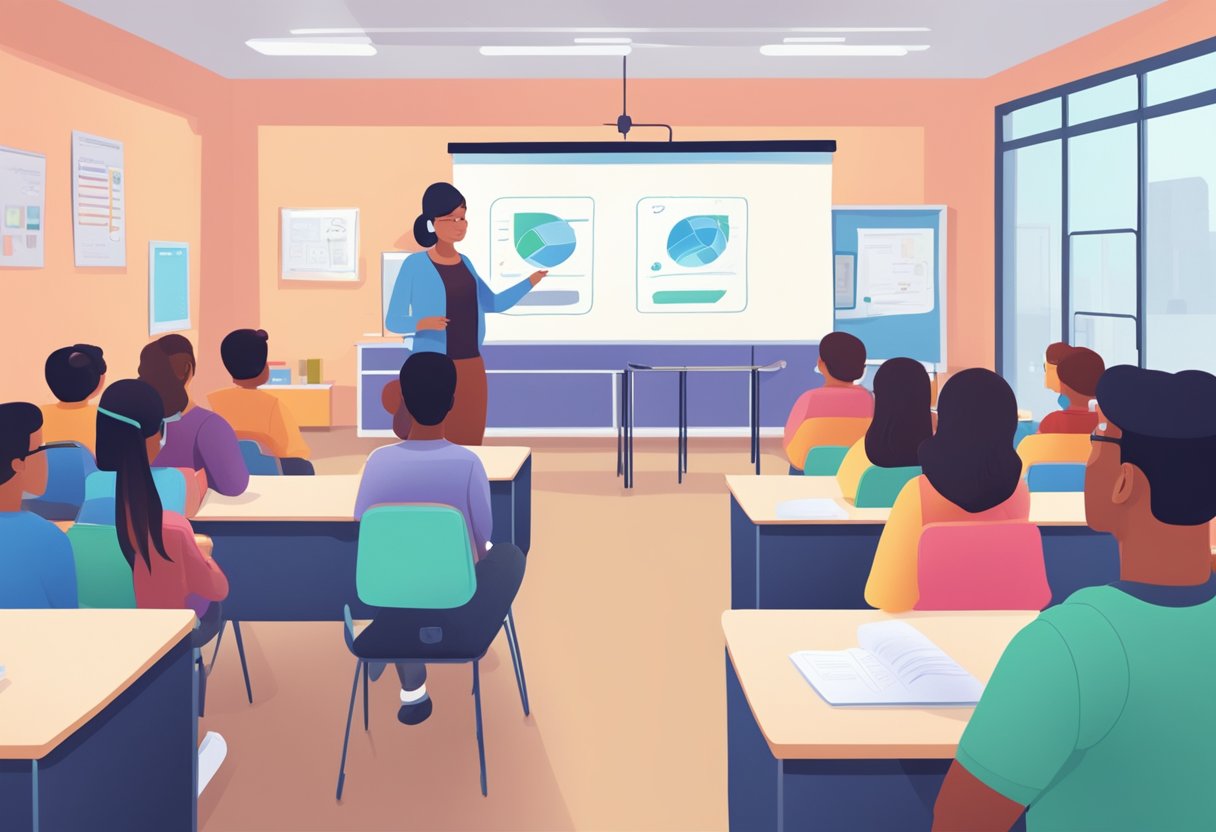
A classroom setting with a teacher using AI to facilitate interactive learning among students

AI tools, such as personalized learning software, can adapt lessons to meet individual student needs, making education more engaging and effective.

These tools also help teachers save time by automating routine tasks.

Educators need to be proactive about teaching students to critically evaluate AI outputs. This fosters a culture of inquiry and skepticism that is necessary in a world where AI is increasingly prevalent.

By equipping students with the necessary skills and understanding, schools can prepare them for future interactions with AI in various spheres of life.

This preparation involves not just understanding how AI works but also promoting discussions around its ethical implications.

As AI continues to evolve, the commitment to these practices will ensure that classrooms remain places of growth and learning.

Key Takeaways

  • Schools need clear policies for using AI tools.
  • AI can personalize learning and enhance student engagement.
  • Educators must teach critical thinking and ethics in AI use.

Foundations of AI in Education
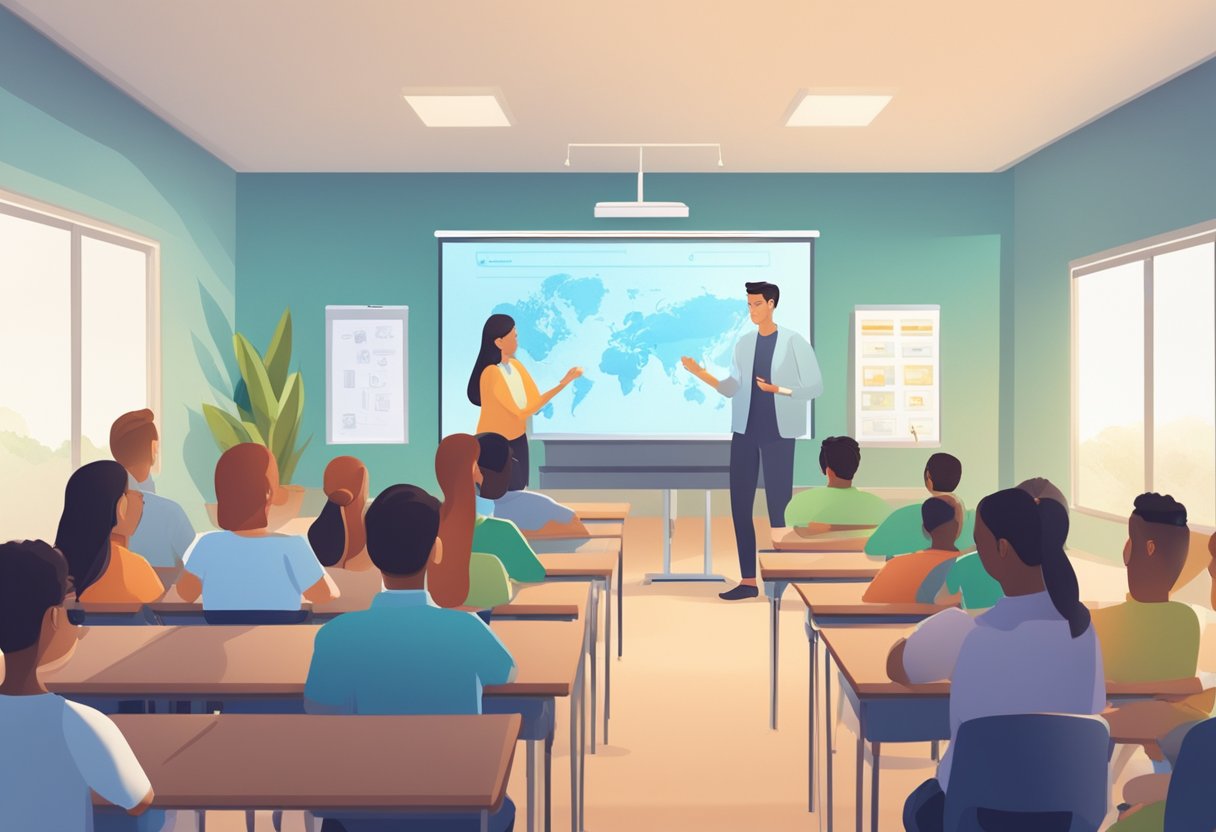
A classroom setting with a teacher and students interacting with AI technology, such as smart boards or educational software, in a responsible and ethical manner

Incorporating AI in education presents both opportunities and responsibilities. This section focuses on understanding AI and machine learning, enhancing AI literacy for both teachers and students, and ensuring data privacy and security within educational settings.

Understanding AI and Machine Learning

AI and machine learning are transforming education by tailoring learning experiences to individual needs.

AI systems analyze student performance and adapt content accordingly.

For instance, platforms like Khan Academy use AI to determine which topics require more focus.

This technology can identify areas where students struggle and provide additional resources.

Machine learning, a subset of AI, helps these systems improve over time.

By analyzing data from many students, they refine their algorithms to offer more precise support.

Understanding these technologies helps educators harness their benefits while addressing potential challenges.

AI Literacy for Teachers and Students

AI literacy is crucial for both educators and students to use these tools effectively.

Teachers need to understand how AI systems operate to integrate them into the curriculum effectively.

This knowledge ensures they can select appropriate tools and manage their implementation in the classroom.

Students also benefit from AI literacy, as it prepares them for a future where AI is prevalent.

Learning to interact with AI responsibly and critically is a part of digital literacy.

Schools can provide workshops, resources, and activities that explore AI concepts, ensuring that everyone is equipped to navigate this digital landscape.

Ensuring Data Privacy and Security

Data privacy and security are paramount when using AI in education.

Personal data from students is often required to personalize learning experiences.

It is essential to follow strict guidelines to protect student privacy and sensitive information.

Implementing strong security measures prevents unauthorized access to data.

Educators should familiarize themselves with relevant laws and best practices concerning data protection.

Training on these topics ensures that everyone involved understands the importance of safeguarding digital information.

Integrating AI Tools into the Classroom
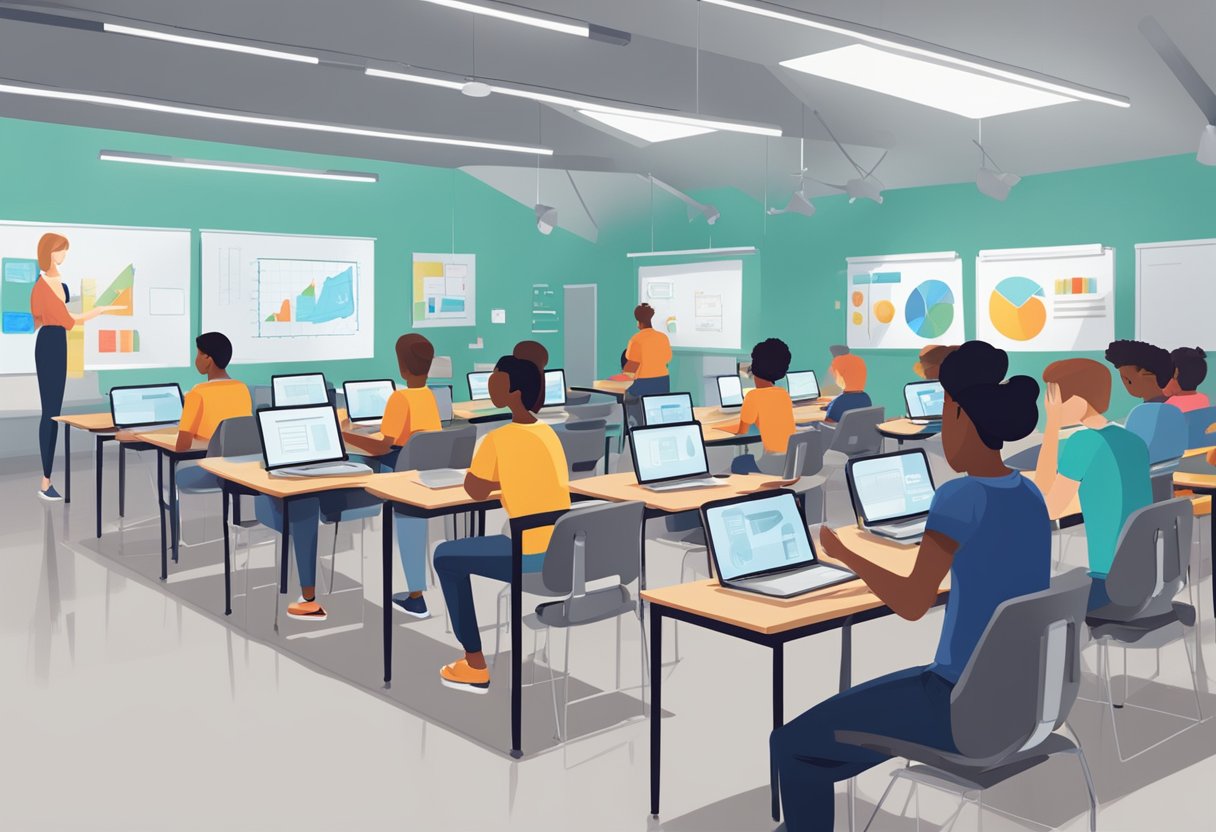
A classroom setting with AI tools integrated into the learning environment. Students and teachers engaging with technology in a responsible and ethical manner

Incorporating AI tools into classroom settings requires thoughtful selection, personalized approaches, and effective feedback systems. These elements help enhance the learning experience and ensure that students benefit from the latest technological advancements.

Selection of Appropriate AI Tools

Choosing the right AI tools is crucial.

Educators should evaluate tools like Microsoft Copilot and Google AI based on their features and compatibility with educational goals.

Schools must ensure these tools safeguard student privacy and support the curriculum.

A balance between innovative technology and meaningful learning is important.

This involves considering the specific needs of students and the expertise of teachers.

Transparency in AI policies helps educators understand tool functionality and data usage, fostering trust and responsible use.

AI for Personalized Learning

AI in the classroom can offer personalized learning experiences.

Intelligent tutoring systems adjust content and pace based on student performance, catering to individual learning styles and needs.

Generative AI can provide unique problem-solving scenarios.

With platforms designed to address specific learning gaps, students receive tailored support.

Teachers can focus on targeted intervention rather than one-size-fits-all solutions, leading to improved educational outcomes.

Feedback and Adaptive Learning Systems

Adaptive learning systems utilize AI to offer real-time feedback. These systems adjust content delivery according to student interaction, helping them progress efficiently.

AI tools like intelligent tutoring systems provide insights into student performance, helping educators identify areas for improvement.

By automating feedback processes, teachers save time on grading and can spend more time on personalized instruction.

Ethics in Using AI Responsibly in  the Classroom

Using AI in the classroom involves several ethical considerations that educators must address to ensure responsible integration. This section focuses on bias in AI applications, academic integrity, and transparent use of AI-generated content.

Addressing Bias in AI Applications

AI systems can sometimes exhibit bias due to the data they are trained on.

Bias in AI happens when the datasets contain unbalanced or inaccurate information.

For example, AI systems can reflect societal biases by favoring certain groups over others.

Educators should work to identify and rectify potential biases by diversifying training data and regularly evaluating AI applications for fairness.

They should collaborate with developers to ensure AI tools provide equitable outcomes for all students. Regular reviews and updates can help mitigate bias effectively.

Promoting Academic Integrity

AI tools can inadvertently challenge academic integrity.

These tools might offer solutions that encourage dishonest behavior, such as submitting AI-generated work as one’s own.

To promote integrity, educators must establish clear guidelines and communicate them to students.

Discussing the ethical use of AI can help students understand the importance of academic honesty.

Educators can implement plagiarism checkers and encourage original work, making it clear that AI should complement learning, not replace it.

Emphasizing critical thinking and problem-solving skills can also reduce reliance on AI-generated solutions.

Transparent Use of AI-Generated Content

Transparency is key when using AI-generated content in educational settings.

Teachers and students need to be aware of when and how AI is used to create or deliver material.

Ensuring transparency can build trust and promote proper use of AI resources.

Educators should clearly label AI-generated content and explain its purpose in the classroom.

This approach helps students understand the role of AI and its limitations.

By fostering open discussions about AI’s capabilities, educators can demystify the technology and encourage responsible use.

Providing clear explanations and reasoning for AI applications enhances transparency and ethical considerations in learning environments.

Developing Critical Thinking and Fact-Checking Skills
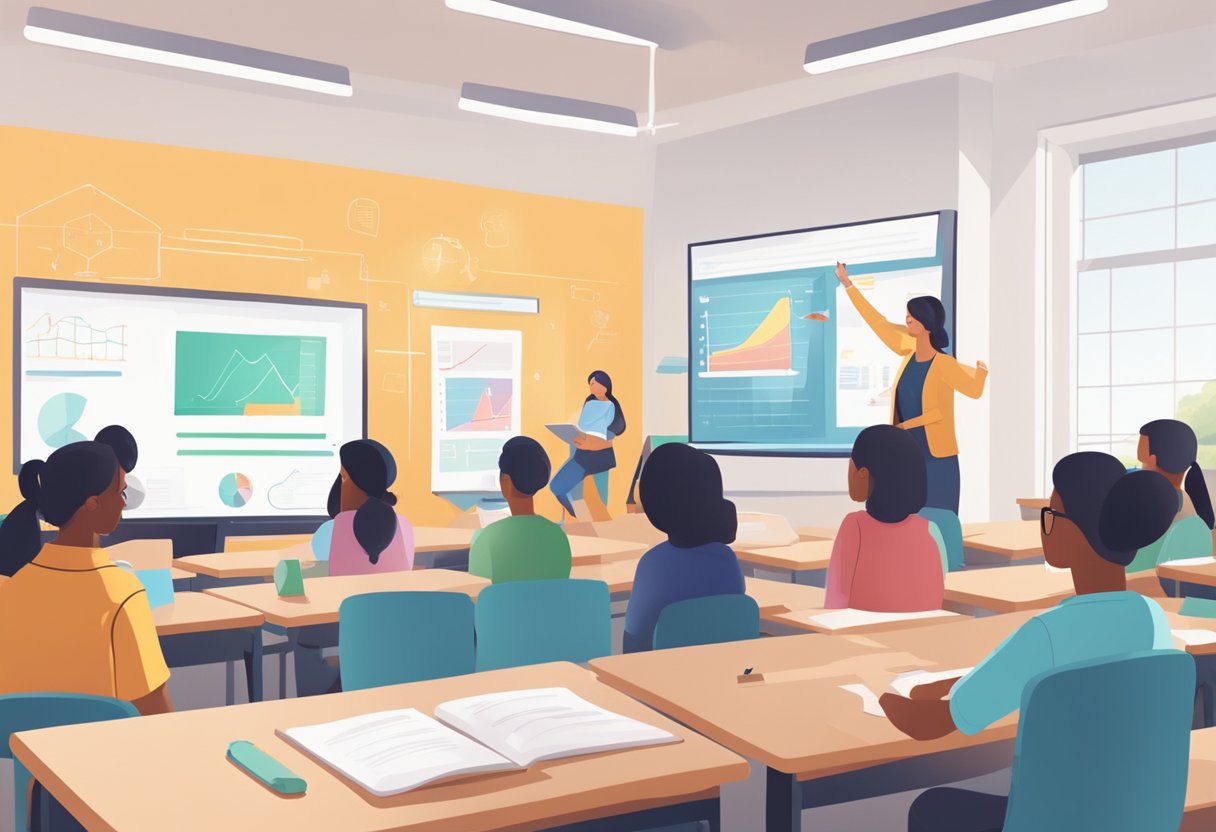
A classroom setting with students using AI technology to research and fact-check information, while a teacher guides them in developing critical thinking skills

Teaching students to use AI effectively involves fostering critical thinking and enhancing their ability to fact-check.

As AI tools become common in classrooms, understanding how they work and identifying potential misinformation is crucial.

This requires students to evaluate AI outputs critically and develop a mindset geared towards continuous inquiry and verification.

Navigating AI Hallucinations and Misinformation

AI can occasionally produce misleading or incorrect information, a phenomenon known as “hallucination.”

These inaccuracies can emerge from generative artificial intelligence such as large language models.

Critical thinking skills are essential to identify inaccuracies in AI outputs.

Encouraging students to question AI-generated information can prevent them from accepting false data blindly.

Teachers can highlight strategies such as comparing AI outputs with reliable sources, looking for context clues, and cross-referencing facts.

By educating students about AI hallucinations, they become better equipped to discern between valid and faulty information, enhancing their AI literacy and reinforcing the importance of human oversight.

Teaching Students to Evaluate AI Sources

Evaluating AI sources is vital to maintaining the integrity of information.

Students should learn to assess the reliability of AI-generated data by asking questions: What is the source of the information? How credible is the AI tool itself?

Educators can guide students to understand that, while AI can provide valuable insights, verifying facts remains a human responsibility.

Practices like cross-referencing AI-generated data with trusted resources, critically analyzing the purpose of the AI in question, and identifying any inherent biases are important.

By instilling these fact-checking habits, students will develop strong critical thinking skills.

They will gain a deeper comprehension of AI’s benefits and limitations, ensuring they use these technologies responsibly.

Best Practices for Responsible AI Use in Education

When integrating AI into education, it’s essential to focus on creating inclusive learning environments and ensuring ongoing professional development.

Both elements are vital in responsibly leveraging AI tools for educational goals.

Creating Inclusive Learning Environments with AI

AI can enhance accessibility by providing personalized learning experiences. Tools like AI-powered platforms adapt lessons based on individual learner needs.

For instance, they offer targeted practice problems in subjects where students struggle, helping tailor educational content.

To further inclusivity, schools should implement transparent AI policies. This includes clearly outlining how AI tools function, what data they utilize, and who can access the information.

Transparency builds trust and ensures AI is used ethically and responsibly in learning environments. Setting ethical guidelines can help maintain educational integrity while advancing technology’s benefits.

Ongoing Professional Development in AI

Continuous learning is crucial for educators to keep up with AI advancements. Professional development can include workshops and training sessions focused on AI tools and practices, ensuring educators are well-equipped to use technology effectively.

Educators should also stay informed about the ethical aspects of AI in education. This includes understanding potential biases and learning how to address them.

Regular updates and training ensure that AI use aligns with educational goals and responsible practices, ultimately fostering a tech-savvy and ethically aware student body.

Developing skills in responsible AI usage allows educators to adapt to new ways of teaching that benefit all students.

Frequently Asked Questions
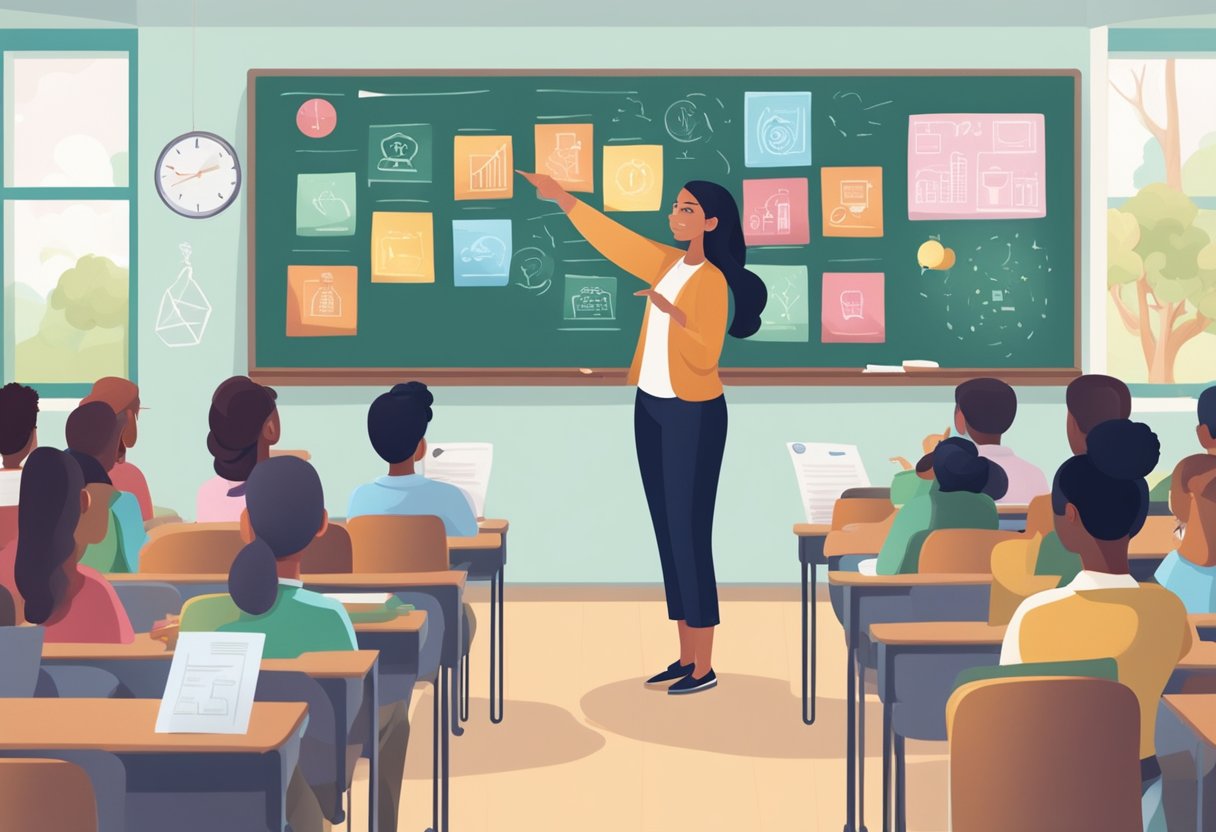
A teacher standing in front of a classroom, pointing to a chalkboard with various images and symbols representing AI and responsible use

Teachers are exploring AI’s potential in education, focusing on ethical, transparent, and effective use. Emphasis is on guidelines, student privacy, bias prevention, and measuring educational impact.

What are the guidelines for teachers to use AI tools in classroom settings?

Teachers should develop clear guidelines tailored to AI tools, ensuring they align with educational goals. It’s important to set policies that address how data will be used, who can access it, and what limitations exist.

This approach helps maintain transparency and accountability.

What strategies can educators employ to teach students about responsible AI utilization?

Educators can integrate lessons about AI ethics into the curriculum, encouraging critical thinking. Collaborating on projects where students assess AI’s societal impact can promote understanding and responsibility.

Providing resources and real-world examples can further enhance students’ grasp of AI’s role.

How can schools ensure the ethical implementation of AI in educational curricula?

Schools must establish transparent AI policies, as highlighted by strategies for using AI ethically. Ensuring transparency around data use and access is key.

Regular audits and feedback from stakeholders will help refine these policies to safeguard student wellbeing.

In what ways can AI enhance the learning experience without compromising student privacy and wellbeing?

Using AI to personalize learning experiences can boost engagement, while prioritizing privacy is crucial.

AI must operate within strict privacy guidelines, allowing for student data protection. Virtual teaching assistants can support learning, but with regulated data access.

What measures can teachers take to avoid bias and ensure fairness when using AI in the classroom?

Teachers should seek AI tools that are transparent about algorithmic decision-making processes. Regularly evaluating these tools for bias is critical.

Schools can provide training on recognizing and mitigating bias, strengthening equitable educational practices.

How should the effectiveness of AI teaching tools be evaluated to maintain a high standard of education?

Evaluating AI tools requires consistent assessment of student outcomes and engagement levels.

Educators should gather data on AI’s impact on learning. They should seek feedback from students and parents.

Focusing on continuous improvement helps schools ensure AI enhances education rather than hinders it.

Tags: AI in EducationTeaching with AI
AI Contributor

AI Contributor

Next Post
A boy sits at a desk, using a tablet. Various digital graphs and charts are projected around him. Books and stationery are on the desk, and a plant is in the background.

AI for Students with ADHD: Transforming Learning Through Digital Support Tools

Leave a Reply Cancel reply

Your email address will not be published. Required fields are marked *

Recommended.

Students wearing VR headsets sit in a classroom, watching a teacher who is presenting a 3D architectural model projected on a screen.

AI in Teaching: Revolutionizing Classrooms for Enhanced Learning

February 13, 2025
A man in a suit presents to a group of people seated with laptops in a classroom. A digital display with graphs and icons is projected on the wall. Sunlight streams through large windows.

How Can AI-Powered Educational Tools Help Teachers Save Time on Administrative Tasks?

February 11, 2025

Trending.

A small, smiling robot with antennae sits on a wooden desk near books and a tablet, with green plants in the background.

Best Tool ChatGPT, Claude, or Gemini for Education: A Comprehensive Comparison for Educators in 2025

March 5, 2025
A classroom scene with a diverse group of attentive students sitting at desks. A teacher stands in front of a blackboard, gesturing with arms open. A red flag hangs on the wall.

AI-Powered Classroom Management Intervention: Harnessing Artificial Intelligence for Improving Student Behavior

February 21, 2025
An abstract image depicting a microchip at the center; left side with glowing nodes and fibers, right side with circuit lines and blue dots.

What Is One Challenge in Ensuring Fairness in Generative AI: Addressing Dataset Bias and Representation

February 21, 2025
A boy sits at a desk, using a tablet. Various digital graphs and charts are projected around him. Books and stationery are on the desk, and a plant is in the background.

AI for Students with ADHD: Transforming Learning Through Digital Support Tools

February 14, 2025
Office space with a sign reading "What is NotebookLM" above plants and desks, with sticky notes on a distant whiteboard.

Introducing NotebookLM: The Best AI Notebook Tool for Students in 2025

February 13, 2025
Cleverall AI Logo

Cleverall AI empowers educators and students with practical AI tools, tutorials, and resources to make teaching and learning more personalized, effective, and innovative."

Follow Us

Categories

  • Basics
  • Educators
  • Integration
  • Resources
  • Students
  • Tutorials

Tags

AI Assistants AI for Students AI for Teachers AI in Education AI Music in Education ChatGPT Educational Technology Lesson Planning Myths About AI Teacher Resources Teaching with AI

Recent News

In a futuristic setting, a person interacts with a holographic interface showcasing a humanoid robot, data charts, and a digital identification screen—illustrating the seamless convergence of AI and future careers.

AI and Future Careers: Preparing for the Evolving Job Market of Tomorrow

March 28, 2025
Man in a suit relaxes at his desk, smiling at a computer screen displaying a virtual assistant and email icons.

How to Use AI for Email Management: Reclaim 5 Hours of Your Week with Smart Automation

March 17, 2025
  • About
  • Privacy & Policy

© 2025 Cleverall AI.

No Result
View All Result
  • Home
  • Tutorials
  • Integration
  • Basics
  • Resources
  • Educators
  • Students

© 2025 Cleverall AI.