






























AI quizzes are changing how we track student progress in schools. These smart tools give students quick feedback on what they know and where they need help.
Teachers can use AI quizzes to see how each student is doing and adjust their lessons.
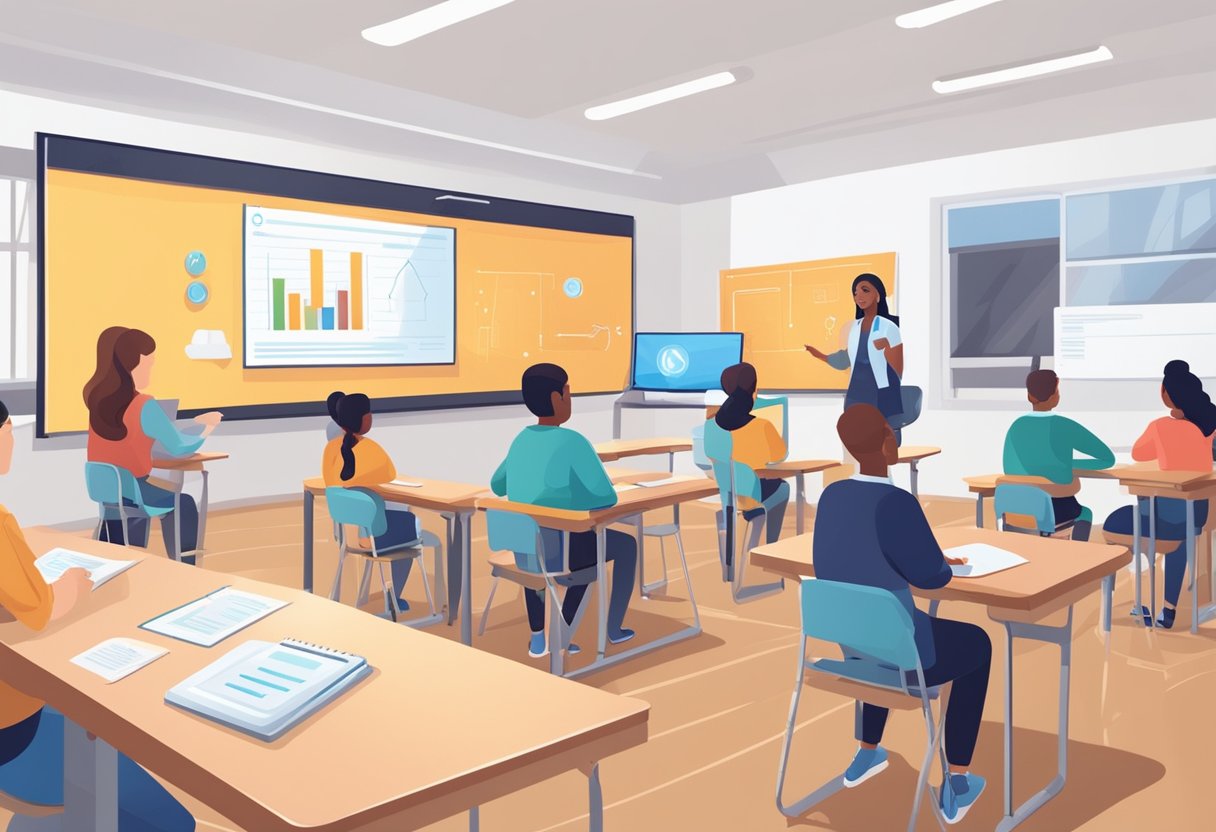
AI quizzes make learning more fun and personal for students. They can answer questions at their own speed and get hints when they’re stuck.
The quizzes adapt to each student, giving harder or easier questions based on how they’re doing.
For teachers, AI quizzes save time on grading and show detailed info about student progress. This lets teachers focus more on helping students one-on-one.
With AI quizzes, both students and teachers can work together to improve learning outcomes.
Key Takeaways
- AI quizzes give fast, personalized feedback to help students learn better
- Teachers can use AI quiz data to tailor lessons to student needs
- AI-powered tools make tracking student progress easier and more accurate
Understanding AI in Educational Settings

AI is changing how teachers track student progress and personalize learning. New tools help analyze performance data and adjust instruction. This impacts both students and educators in important ways.
The Role of Artificial Intelligence
AI tools use machine learning algorithms to process large amounts of student data. They can spot patterns in test scores, homework completion, and participation. This gives teachers a clearer picture of how each student is doing.
AI analytics can flag struggling students who need extra help. They also identify areas where high performers could be challenged more. This allows for targeted interventions and support.
Some AI systems even suggest personalized learning activities based on a student’s strengths and weaknesses. This helps teachers save time on lesson planning while meeting individual needs.
Personalized Learning Experiences
AI-powered learning tools adapt to each student’s pace and style. As you work through lessons or quizzes, the system tracks your progress.
It then adjusts the difficulty level and types of questions.
This personalized approach keeps you engaged. You won’t get bored with material that’s too easy or frustrated by concepts that are too hard.
AI can also recommend extra practice in areas where you struggle. It might suggest videos, interactive exercises, or reading materials to help you improve.
Some platforms use game-like elements to make learning more fun. You might earn points or badges as you master new skills.
Impact on Teaching Practices
AI doesn’t replace teachers. Instead, it gives you powerful tools to be more effective.
With AI handling routine tasks like grading multiple-choice quizzes, you have more time for one-on-one help.
AI analytics provide detailed insights into your class’s performance. You can quickly see which topics need more review. This helps you adjust your lessons to meet your students’ needs.
Some AI tools help with classroom management too. They can track attendance, manage assignments, and even monitor student engagement during online classes.
AI can also suggest teaching strategies based on what has worked well for similar classes. This lets you try new approaches backed by data.
Interactive Tools and Formats
AI-powered quizzes offer a range of interactive tools and formats to make learning more engaging and effective. These tools adapt to each student’s needs and provide instant feedback to enhance the learning experience.
Designing Engaging Activities
QuizCat AI and IXL create fun and interactive quizzes that keep students interested. You can use flashcards to help with quick recall of facts and concepts.
These tools let you add images, videos, and audio to make questions more lively. You can also set time limits or add game-like elements to boost excitement.
Some engaging quiz formats include:
- Multiple choice
- True/False
- Matching
- Fill-in-the-blank
- Drag-and-drop
Mix these formats to keep quizzes fresh and test different skills. This variety helps students stay focused and learn better.
Adaptive Assessments and Instant Feedback
Adaptive quizzes change based on how well you’re doing. If you get questions right, they get harder. If you struggle, they get easier. This helps you learn at your own pace.
Edulastic and DreamBox use AI to give quick feedback. You find out right away if your answer is right or wrong.
The system explains why an answer is correct and gives tips to improve.
These tools track your progress over time. They show you where you’re getting better and where you need more practice. This helps you focus your study time on the areas that need the most work.
Utilizing Educational Software
Thinkster Math and similar programs use AI to create custom learning plans. These plans fit your unique needs and learning style.
The software tracks your progress and changes your lessons as you improve.
You can use these tools at home or in class. They work on computers, tablets, and phones. This makes it easy to practice anytime, anywhere.
Many of these programs have teacher dashboards. Your teacher can see how you’re doing and give extra help if needed. They can also assign specific quizzes or topics based on your progress.
Tracking Progress and Performance
AI quizzes provide powerful tools to monitor student learning. They offer detailed insights and help tailor instruction to each student’s needs.
Dashboards and Real-Time Insights
AI-powered dashboards give you a clear view of student performance. You can see quiz results, study time, and engagement metrics at a glance.
These tools update in real-time, so you always have the latest info.
Dashboards often use charts and graphs to show progress. You might see:
- Scores over time
- Time spent on each topic
- Comparison to class averages
This data helps you spot trends quickly. You can identify which students are thriving and which need extra help.
Assessing Learning Gaps
AI quizzes are great at finding gaps in student knowledge. They analyze answers to pinpoint exact areas where students struggle.
For example, if a student keeps missing math problems with fractions, the AI will flag this. You can then give extra practice on fractions to that student.
These tools can also show you common mistakes across the whole class. This helps you adjust your teaching to address widespread issues.
Some AI systems even suggest resources to help fill these gaps. They might recommend videos, practice problems, or other materials.
Adjusting Learning Paths
AI can create custom learning paths for each student. It uses quiz results to figure out what a student knows and what they need to work on next.
As students take more quizzes, the AI refines these paths. It might:
- Increase difficulty for topics a student has mastered
- Offer easier questions in areas where they struggle
- Suggest review sessions for forgotten material
This adaptive approach helps students learn at their own pace. It keeps them challenged without getting overwhelmed.
You can use these AI-generated paths to guide your teaching. They show you which topics need more focus in class and which students might benefit from one-on-one help.
Ethical Considerations and Data Privacy

AI quizzes raise important privacy and ethical issues. Schools must handle student data carefully and follow laws to protect sensitive information.
Protecting Sensitive Information
AI assessment tools collect lots of student data. This includes quiz scores, answer patterns, and time spent on questions.
You need to keep this data safe and private. Use strong encryption and limit who can access it.
Don’t share student data with outside companies without permission. Make sure AI systems can’t identify individual students. Remove names and other personal details from data sets.
Tell students and parents how you use their data. Get consent before collecting sensitive info. Give them ways to see their data and request changes.
Addressing Data Privacy in Education
Schools must follow data privacy laws when using AI quizzes. In Europe, GDPR sets strict rules on student data. The US has FERPA to protect education records.
Check your local laws on student privacy. Make clear policies on data collection and use. Train staff on proper data handling. Use AI tools that meet privacy standards.
Let students opt out of data collection if possible. Don’t use quiz data for non-educational purposes. Delete old data you no longer need. Be ready to explain your data practices to parents and officials.
Evaluating and Improving Educational Outcomes

AI quizzes offer powerful ways to track student progress and boost learning. They give quick insights into how students are doing and where they need help.
Data-Driven Decision Making
AI quizzes collect lots of data on student performance. This data shows you which concepts students understand and which ones they struggle with. You can use these insights to adjust your teaching.
For example, if many students miss questions on a certain topic, you may need to review that material. The data also helps spot students who need extra support early on.
AI systems can even predict future performance based on quiz trends. This lets you step in before students fall behind.
Emphasizing Areas for Improvement
Once you know where students need help, you can focus your efforts there. AI quizzes point out weak spots for each student.
You can then give students personalized practice on those topics. Some AI systems automatically assign extra work in problem areas.
The quizzes also show you which teaching methods work best. You might find that visual aids help with certain concepts. Or that hands-on activities boost understanding for others.
By targeting areas for growth, you help students make steady progress. The frequent feedback from AI quizzes keeps everyone on track.
Frequently Asked Questions
AI-driven quizzes offer many advantages for tracking student progress. They provide detailed insights and personalized learning experiences. Here are some common questions about using AI quizzes in education:
What are the benefits of using AI-driven quizzes for monitoring student learning outcomes?
AI quizzes can adapt to each student’s level and provide instant feedback. This helps students learn at their own pace and focus on areas where they need more practice.
AI systems can also spot patterns in student responses. This allows teachers to quickly identify topics that many students are struggling with.
How can teachers effectively implement AI quiz generators in their classrooms?
Start by choosing a user-friendly AI quiz tool that fits your curriculum. Introduce it gradually, beginning with short practice quizzes.
Train students on how to use the system. Set clear goals for quiz completion and performance. Use the data to inform your teaching and provide extra support where needed.
What metrics can AI quiz systems provide to help analyze student performance?
AI quizzes can track accuracy rates, response times, and progress over time. They may show which question types students find most challenging.
Some systems offer detailed reports on concept mastery and skill development. This data helps teachers tailor their instruction to student needs.
Are there any cost-effective AI solutions for creating personalized quizzes for students?
Many affordable AI quiz platforms are available for schools and teachers. Some offer free basic versions with paid upgrades for more features.
Open-source options exist too. These allow schools to customize the software to their needs without high costs.
In what ways can artificial intelligence ensure the security and integrity of online quizzes?
AI can use facial recognition or typing patterns to verify student identity. It can also detect unusual answer patterns that might indicate cheating.
Some AI systems randomize question order or create unique versions of quizzes for each student. This makes it harder to share answers.
How does feedback from AI-based quizzes enhance student learning and engagement?
AI quizzes give immediate feedback, helping students learn from mistakes right away. They can explain correct answers and suggest helpful resources.
Personalized feedback boosts motivation. Students see their progress clearly and feel encouraged to keep improving their skills.












Comments 2